Access your Medicare card
Your Medicare card can be accessed on the myGov website or myGov app, not in the 1800MEDICARE app.
-
Sign in to myGov
Visit my.gov.au and sign in using your username and password or Digital ID.
-
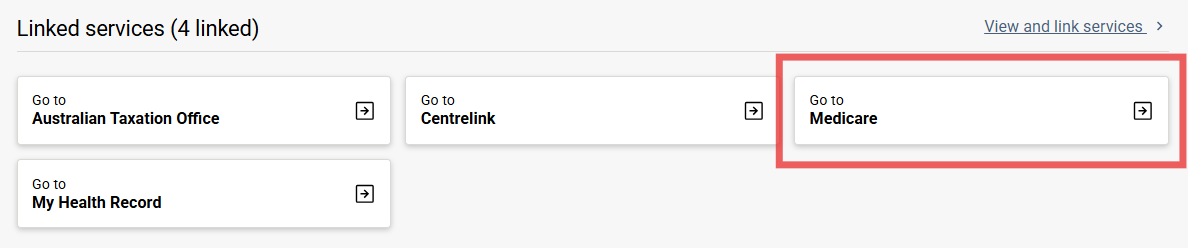
Select 'Medicare'
Select Medicare from the Linked services.
-
Select 'My card'
Select My card from the top navigation menu.

-
Medicare card details
You will see your Medicare card details.
You can also:
- get a replacement or extra card
- add someone to your card
- manage your card invites.
You can get a digital copy of your Medicare card through the myGov app or find out how to get a digital card.