Link My Health Record to myGov
Before you can access the 1800MEDICARE app, you need to have My Health Record linked to myGov first.
-
Sign in or create an account with myGov
Visit my.gov.au and sign in using your username and password or Digital ID.
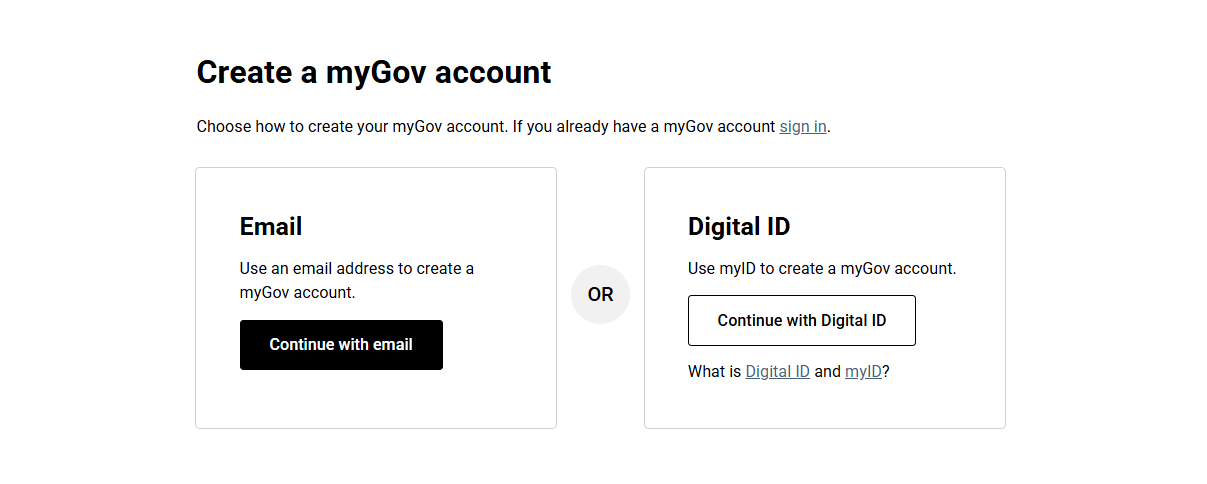
If you don't have a myGov account, select Create account and follow the prompts.

If you're having trouble setting up a myGov account, call the myGov helpdesk:
- from within Australia on 13 23 07, select option 1.
- from outside Australia on +61 1300 169 468 select option 1.
The myGov helpdesk is available at the following times:
- Monday to Friday 7am – 10pm AEST
- Saturday to Sunday 10am – 5pm AEST
-
View and link services
Select View and link services from your myGov home page.

Select Link next to My Health Record.

-
Verify your identity
My Health Record uses details from Medicare to verify your identity. Linking to My Health Record is easier if you've already linked Medicare to myGov. If Medicare is linked, it will be listed under Linked services.
If Medicare is already linked to your myGov account
If you’ve already linked Medicare to myGov, we’ll use your Medicare details to verify you.
Note: If Medicare is already linked to your myGov account and you’re still having trouble linking to My Health Record, unlink the My Health Record service then link it again. Alternatively, call the My Health Record helpline on 1800 723 471 and speak with a representative to verify your identity.
If Medicare is NOT linked to your myGov account
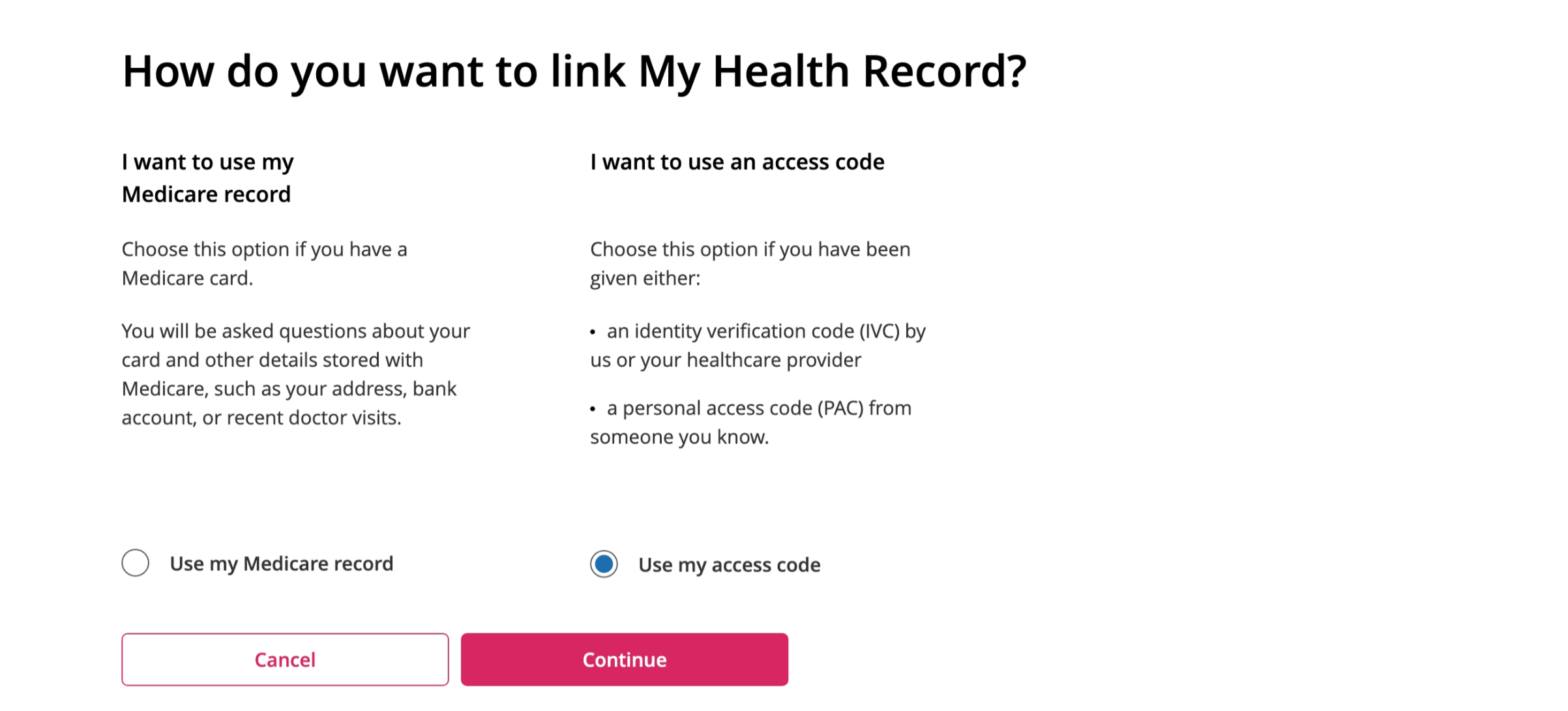
You'll be asked how you want to link My Health Record. You can choose to use your Medicare record or an access code, if you have one. Follow the prompts to continue.
You'll need your Medicare card number and to answer some questions specific to you.
You'll need to answer the questions correctly to pass the identity check. If you don’t know the answer to a question, you can skip that question and try the next one.
If you prefer to speak to someone to verify your identity, call the My Health Record helpline on 1800 723 471.
-
Finish linking
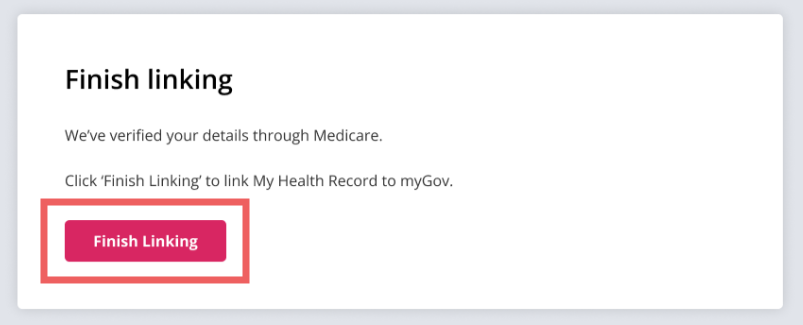
Follow the prompts and select Finish linking to complete linking My Health Record to myGov.
-
Log in to the 1800MEDICARE app
Open the 1800MEDICARE app, select Log in and follow the prompts to get started.
Troubleshooting
Error: You have not authorised connection to My Health Record
If you are receiving the error message: 'You have not authorised connection to My Health Record', please select Allow when linking My Health Record to myGov.
Error: Unverified account
If you are receiving the error message: 'Unverified account', please unlink My Health Record from myGov, go through the linking process again, and ensure you select Finish linking at the end.
View our guide on how to unlink and relink your My Health Record from myGov.
Error: Your connection was unsuccessful
If you are receiving the error message: 'Your connection was unsuccessful', please check your internet connection and try closing or reinstalling the 1800MEDICARE app.