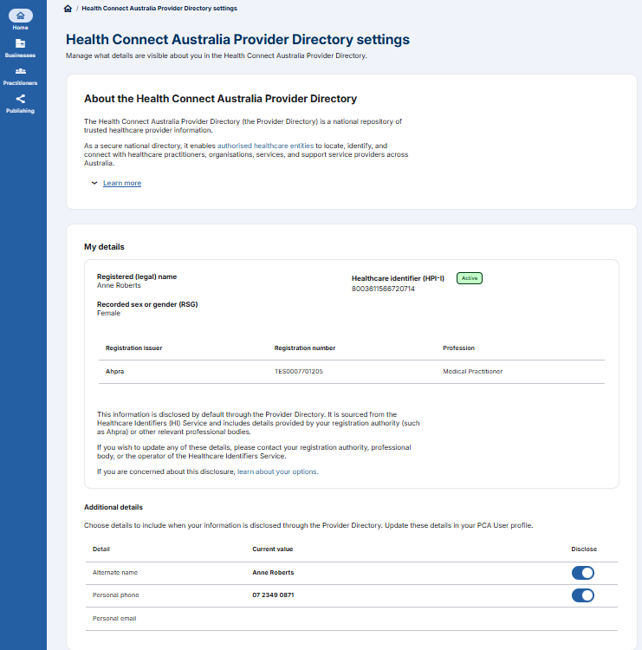
Once you have registered for practitioner self-service, you can add your personal contact details. These details will only be provided to organisations you or your delegate choose to share them with. Organisations may require your personal details for things like multi-factor authentication or contacting you after hours.
Summary of steps:
Log in to the PCA Portal.
Click on the Manage button in the Personal details tile or click on your Name in the top right corner of the screen then select View profile.
If you use an alternate name at work, you can select it on the Basic information page. You may share this with business partners, and managers may include it in your workplace records. These options come from the HI Service.
Click on the personal contact details tab.
You can select a personal email and/or phone number that you wish to share with business partners. These options come from the HI Service.