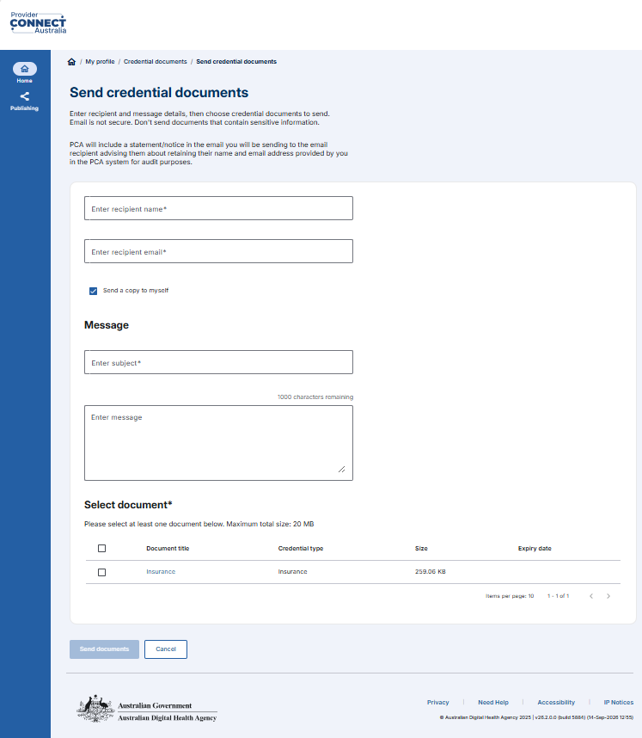
Send credential documents
Enable practitioners to securely share credential documents via email with external contacts.
Summary of steps
1. Log in to the PCA Portal.
2. Click on the Credential documents tile.
3. Click on Send documents.
4. Enter recipient’s name and email address.
5. Enter subject and email message.
6. Select credential document/s you want to send.
7. Click on Send documents button.